COMPTIA EXAM PREP 2026
- 4.6
- Rating
- 50.00K
- Installs
- Free
- Price
 Analysis by App-foxy
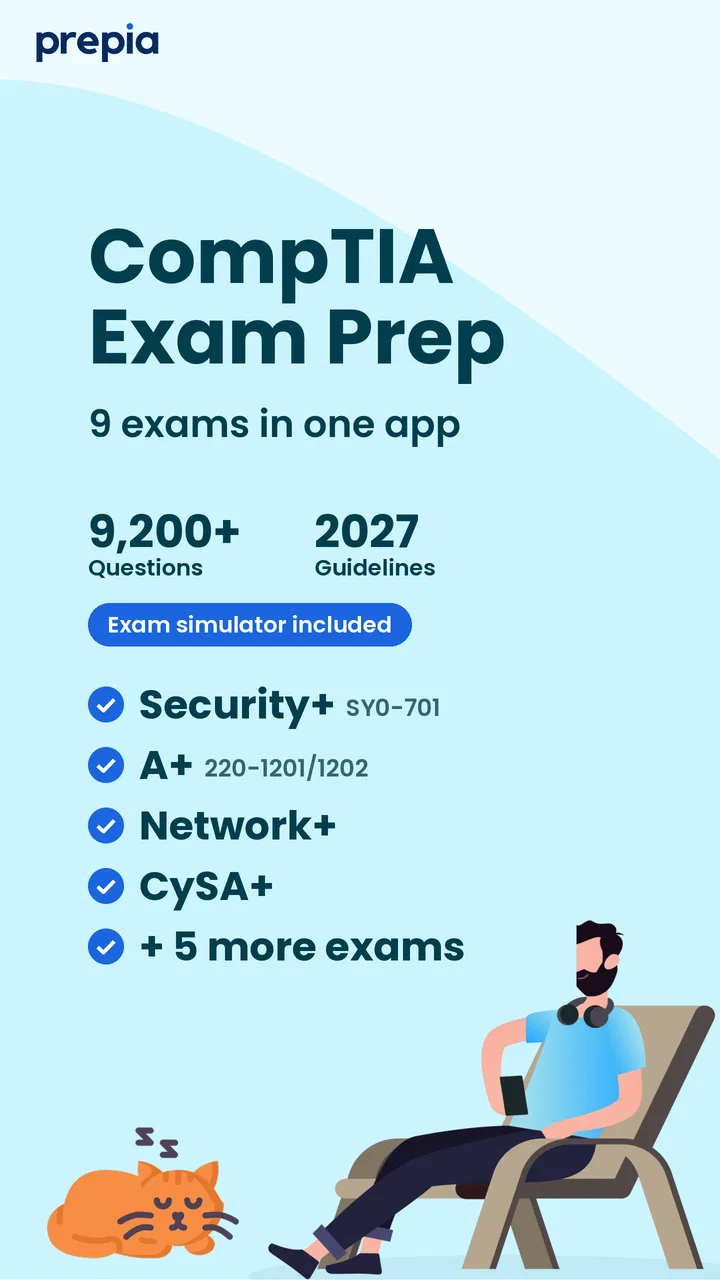
I approached COMPTIA EXAM PREP 2026 as a study companion rather than a complete training course, and that distinction matters from the first minute. This free Education app from Prepia Inc is built around practice for several CompTIA paths, including A+, Security+, Network+, CySA+, and Linux+. Its focus is simple: give you questions to work through so you can check what you remember, spot weak areas, and build a repeatable revision habit.
That makes it most useful for someone who already has a syllabus, textbook, video course, lab environment, or work experience and wants extra exam-style practice. I would not treat it as my only preparation tool, especially for a first-time learner who has never encountered networking, operating systems, security concepts, or troubleshooting methods. Used alongside proper learning material, though, it can turn spare minutes into productive review.
The app is free to install, carries an Everyone age rating, and runs on Android 7.0 or newer. Its average rating is 4.6 from around 800 ratings, with more than 50 thousand installs, so it has attracted a meaningful group of learners without feeling like an obscure experiment. The current version is 2.1.019. Some study material is offered through in-app purchases ranging from about five dollars to roughly 125 dollars per item, so I would check what is available at no cost before planning a full study routine around it.
You May Also Like

 Blood Strike: 2.5 Anniversary
Blood Strike’s Loadouts Turn Every Drop Into a Tactical Gamble
A close look at Blood Strike’s custom loadouts: how fast access to signature weapons reshapes its battle royale rhythm, rewards preparation, and narrows the gap between fights.

 Pandora - Music & Podcasts
Pandora’s Music Is Easy to Start, but Harder to Recover
Pandora’s strength is its low-effort path from a seed to a station. Its weak spot is how much confidence it asks you to place in connection, setup, and quiet recovery.

 8 Ball Pool
 Is Built on Rivalries, Rematches, and Routine
A close look at the rivalries, rematches, shared routines, and unanswered safety questions that turn a quick pool match into a persistent mobile community.

 Samsung Music
’s Quiet Strength Is Playing What You Already Own
Its reach comes less from spectacle than from dependable access to a personal library. That simplicity is both the app’s strongest retention engine and its ceiling.

 AccuWeather: Weather Radar
AccuWeather Review: A Quick, Clear Forecast for Everyday Decisions
For everyday plans, the best forecast is the one you can understand quickly. AccuWeather makes rain timing, radar, and local conditions easy to act on, with a few trade-offs.

 Hill Climb Racing
Why Hill Climb Racing Still Turns Crashes Into One More Run
A tiny car, a bumpy hill and one more upgrade: Hill Climb Racing keeps resurfacing because its simple chaos makes every near-miss feel personal.
More From Our News Desk
View All News


What to expect when you open the study app
The clearest way to understand this app is to think of it as a question-driven revision tool. You select a CompTIA subject area, answer practice questions, and use the results to decide what deserves another look. That workflow is valuable because it changes studying from passive reading into retrieval: you have to produce an answer, commit to it, and confront the topics you cannot recall quickly.
For a beginner, the range of certifications may initially feel broader than expected. A+ covers a wide foundation, Network+ leans toward connectivity and infrastructure, Security+ deals with security principles, Linux+ is more focused on Linux administration, and CySA+ moves toward defensive analysis. I recommend choosing one target first rather than jumping between every available subject. Mixing paths too early can make a difficult question feel like a personal failure when the real problem is that you are studying the wrong objective.
Before starting, decide what role the app will play. If you are learning from scratch, use it as a checkpoint after a lesson. If you are close to an exam, use it to expose gaps and practise making decisions under time pressure. If you already work in IT, it can be a convenient way to revisit terminology that you do not use every day. The app is less convincing as a replacement for hands-on work, because answering a question about a command or security control is not the same as using it in a working environment.
The most useful mindset is to treat every wrong answer as a study instruction, not merely a bad score. A missed question should send you back to the relevant concept, especially when two choices looked almost identical. That habit is more valuable than racing through large sets and remembering only the percentage at the end.
Setting up a sensible first session
My advice for a first-time user is to begin with one certification objective and a short, focused session. Do not try to prove how much you can complete immediately. Read the available category names carefully, choose the exam that matches your current goal, and start with questions that feel representative of that path. If your goal is A+, beginning with Security+ material will not give you a useful baseline, even if you are interested in cybersecurity later.
It also helps to keep a separate note beside the app. I would record the topic of each uncertain answer, the reason I selected the wrong option, and the explanation I needed to understand the correct one. This is a small but important improvement over simply tapping through questions. A question bank can tell you that you are weak in subnetting or access control, but a short personal error log tells you exactly what kind of mistake you make.
For example, you may know that a protocol belongs to a certain layer but confuse its practical purpose. Or you may recognise a security term but choose the wrong control because you did not distinguish prevention from detection. Writing that difference down turns a vague feeling of “I need to study networking” into a concrete task such as “review address calculation and practise identifying the appropriate mask.”
The free entry point is helpful because you can test whether the question style suits you before spending money. I would not purchase a larger item simply because you want more material on day one. First check whether you understand the navigation, whether the explanations are clear enough for your learning style, and whether the selected certification aligns with the exam you actually intend to take. Since purchases can range from about five dollars to roughly 125 dollars per item, that pause is worthwhile.
Turning the first answer into a meaningful result
Your first successful action should not be completing a huge practice run. It should be learning something specific from a question you initially found uncertain. Choose an answer, read the result carefully, and ask yourself why the other options are less suitable. This is especially important for CompTIA-style topics, where several answers can sound technically reasonable but only one best matches the situation described.
After a short session, group your mistakes by concept rather than by question number. If three different questions reveal confusion about authentication, encryption, and authorization, those are not three isolated errors. They point to a broader security vocabulary problem. If one question is difficult because you cannot remember a command, that calls for a different response: practise the command in a safe lab or reference environment instead of repeatedly guessing inside the app.
A realistic everyday use case is a commuter or part-time learner who has fifteen minutes before work. I would choose one exam area, answer a small batch, and save the uncertain subjects in my notes. Later that evening, I would spend longer with a book, course, or lab, then return to the app to see whether the same concepts still cause trouble. The short session is not the whole study plan; it is the signal that tells me where to spend the longer session.
Another useful workflow is to use the app after practical work. Suppose you have configured a small network, reviewed a Linux permission issue, or studied a basic incident-response process. A practice question immediately afterward can reveal whether you understood the principle or merely followed steps mechanically. That comparison between doing and recalling is one of the strongest reasons to keep a question app in a broader preparation routine.
I would also avoid judging progress only by a rising score. Familiar questions can create a false sense of readiness, while a new set may expose weaknesses again. Instead, look for more durable signs: you can explain why an answer is correct, you can eliminate distractors for a reason, and you can recognise when a question is testing a different concept than it first appears to test.
Where first-time users can get confused
The biggest possible confusion is assuming that practice questions equal full exam preparation. They do not. A question app can strengthen recall and decision-making, but it cannot automatically provide the depth of explanation, troubleshooting practice, command-line repetition, or lab experience needed for every CompTIA path. If you are completely new to IT, begin with structured teaching and use this app after each topic rather than expecting it to explain an entire certification from the ground up.
A second issue is choosing the wrong level. A+ is a broad starting point for foundational support knowledge, while Network+, Security+, Linux+, and CySA+ serve different goals. Someone preparing for a networking exam may waste time if they focus on general hardware questions simply because those questions feel easier. I would choose based on the credential and exam objectives you are pursuing, not on whichever section produces the quickest score.
There is also a difference between recognising a term and understanding its use. When an answer looks familiar, pause and describe a practical situation in which it would apply. For security topics, ask what problem a control solves and what it does not solve. For networking, ask what would change if an address, port, protocol, or device role changed. For Linux material, connect terminology to an actual administrative task. These prompts make the app more demanding and more useful.
Paid content is another point to approach carefully. The app is free, but optional purchases are part of the experience, and the price range is wide. I would use the accessible material to establish a baseline, then compare any paid option with the cost of a book, a structured course, or a lab subscription. A larger question bank is not automatically better if the explanations do not help you understand mistakes.
The app should also be used with attention to freshness. CompTIA certifications evolve, and exam objectives can change. Before relying heavily on any practice material, compare the selected certification with the current objectives for the exam you plan to take. This is not a criticism unique to this app; it is a necessary habit with every third-party question bank. Practice is only useful when it is aligned with the version of the exam you intend to sit.
Who will benefit most from it
I see the strongest fit in learners who already have a study structure but need frequent recall practice. Students can use it after lectures or reading. Working technicians can use it to revisit areas outside their daily role. Career changers can use it to discover which fundamentals need more explanation before committing to a larger course. The broad selection of CompTIA subjects also makes it convenient for someone planning a progression from basic support knowledge toward networking or security.
It is particularly handy for identifying uneven knowledge. A learner may feel comfortable with hardware but struggle with networking, or understand security theory but hesitate when questions combine several ideas. Short, repeated practice makes those imbalances visible. I would use that information to adjust the main study plan rather than simply repeat the same comfortable section.
It is less suitable for someone who wants a complete guided curriculum, video instruction, instructor feedback, or a realistic lab environment in one place. It is also not my first recommendation for a learner who becomes discouraged by wrong answers without detailed teaching around them. In that situation, a structured course or textbook should lead, while this app remains a review aid.
Compared with paper flashcards, the app is more convenient for a mixed certification plan and should make it easier to work through exam-oriented questions wherever you are. Compared with a full online course, it is lighter and faster but less comprehensive. Compared with hands-on labs, it is better for checking recall and weaker for building operational confidence. I would not choose one of those options exclusively; the best combination depends on whether your current weakness is memory, understanding, or practical execution.
A practical next step after the first week
After several sessions, I would create a simple rotation. Spend one day on the main certification area, another on the topic that produced the most mistakes, and a later session revisiting earlier errors without looking at the answers first. This spacing helps reveal whether you learned the concept or only remembered the wording of a recent question.
Use the app to decide what to study next, not to decide that you are finished studying. If you repeatedly miss subnetting, schedule deliberate calculation practice. If access-control questions cause trouble, review the distinctions between identity, permissions, authentication, and authorization. If Linux questions expose command uncertainty, move to a terminal-based exercise. The app becomes far more valuable when each result leads to a targeted action outside the app.
For exam readiness, I would look for consistency across unfamiliar question sets and the ability to explain answers aloud. A good score achieved through memorisation is less reassuring than a slightly lower score accompanied by clear reasoning. I would also leave time to review objectives, practise realistic tasks, and rest properly before the exam. No question bank can compensate for a study plan that never tests understanding.
My overall impression is positive, with sensible boundaries. COMPTIA EXAM PREP 2026 is an accessible way to add CompTIA-focused practice to an Android study routine, and its free starting point makes it easy to evaluate. The 4.6 average and growing install base suggest that many learners find the approach useful, but I would still judge it by the quality of your own learning sessions rather than by popularity alone.
For me, the deciding question is simple: do you need a portable way to practise and expose weak areas, or do you need a teacher and a complete course? If it is the first, this app is worth trying. If it is the second, use it only as a supplement. Start with one certification, keep an error log, connect missed questions to real study or lab work, and review any paid material carefully before buying. Used that way, this free Education app can become a practical checkpoint on the road to a CompTIA exam rather than a shortcut that promises more than practice questions can deliver.
FAQs for COMPTIA EXAM PREP 2026
01What is CompTIA Exam Prep 2026, and which certifications does it cover?
CompTIA Exam Prep 2026 is designed to help learners prepare for popular CompTIA certification exams through structured study material, practice questions, explanations, and revision tools. Depending on the app version, it may support exams such as A+, Network+, Security+, CySA+, or other current objectives. Before downloading, check the listing carefully to confirm that your target certification and exam code are included.
02Is CompTIA Exam Prep 2026 suitable for beginners?
The app can be useful for beginners, but it should not be considered a complete replacement for foundational IT training. New learners may benefit from its definitions, quizzes, and guided practice, while users with previous networking, hardware, or cybersecurity experience may use it mainly for revision. Beginners should also confirm whether explanations are detailed enough for their learning style before relying on the app alone.
03Does the app contain realistic practice questions for the official CompTIA exam?
CompTIA Exam Prep 2026 may provide practice questions that follow the general topics and difficulty style of the selected certification, but users should not assume that questions are copied from the real exam. The official CompTIA examination uses proprietary content, and preparation apps can become outdated as objectives change. Use the app alongside the latest official exam objectives and reputable study resources.
04Can I use CompTIA Exam Prep 2026 offline?
Offline availability depends on the specific app version and the features included by its developer. Some preparation apps allow previously loaded questions, flashcards, or study notes to be used without an internet connection, while progress synchronization, advertisements, premium validation, or updates may require access. Check the app description and test offline access after installation, especially if you plan to study while traveling.
05Is CompTIA Exam Prep 2026 free, and are there in-app purchases?
The app may be available as a free download, but certain features can be restricted behind advertisements, subscriptions, or one-time in-app purchases. Premium access may unlock additional question banks, detailed explanations, mock exams, progress tracking, or an ad-free experience. Review the pricing, renewal terms, privacy information, and cancellation policy before purchasing, particularly if the app offers an automatically renewing subscription.
Pros
- Covers core CompTIA objectives in one convenient mobile app.
- Practice questions help identify weak topics before exam day.
- Short study sessions fit easily into busy schedules.
- Useful for reviewing terminology and key technical concepts.
- Can support preparation for multiple CompTIA certification paths.
Cons
- Content may not reflect the latest exam objectives immediately.
- Some explanations may be too brief for complete beginners.
- Practice questions cannot fully replace hands-on lab experience.
- Advanced learners may find repeated questions less challenging.
- Certain features or study materials may require in-app purchases.

COMPTIA EXAM PREP 2026
Gallery